

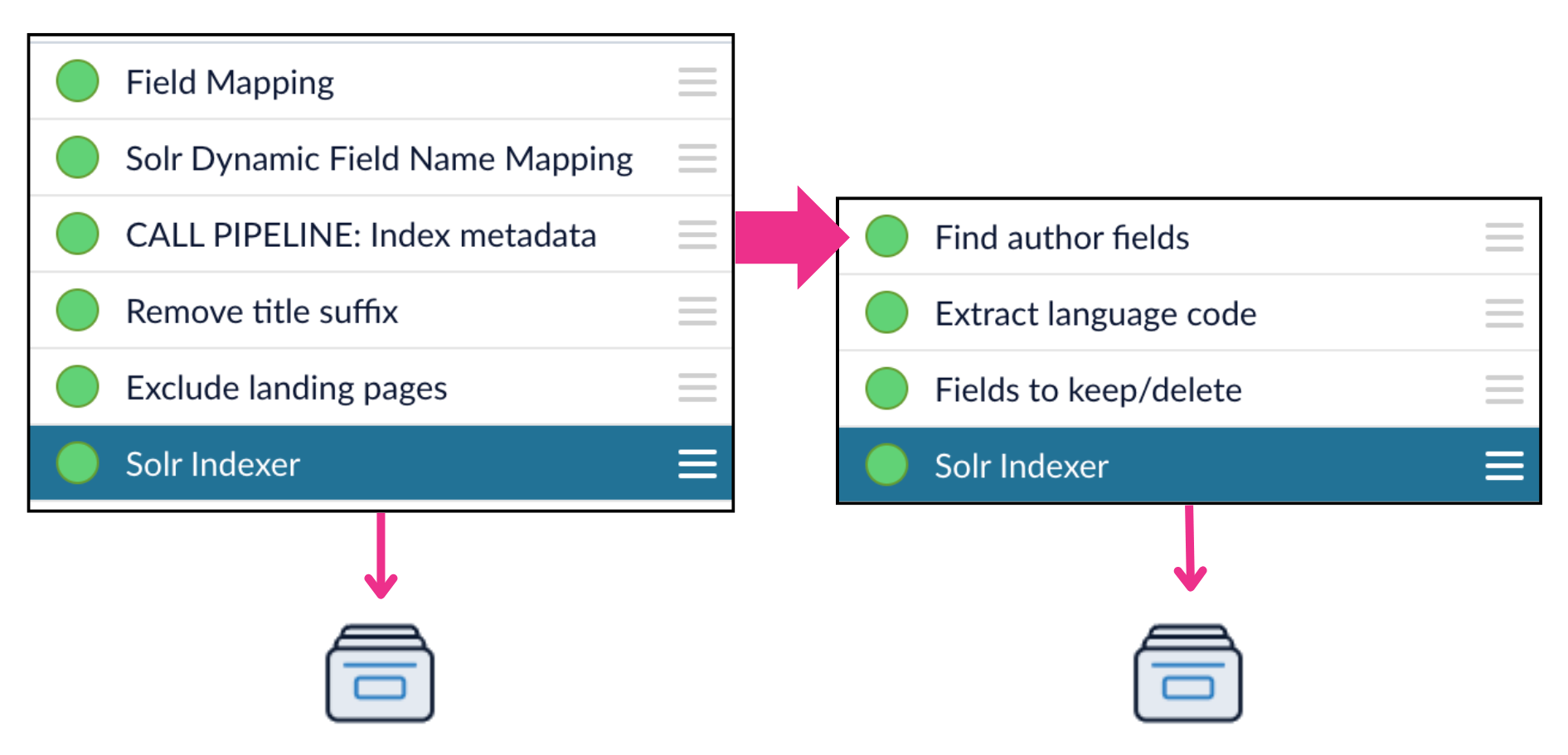
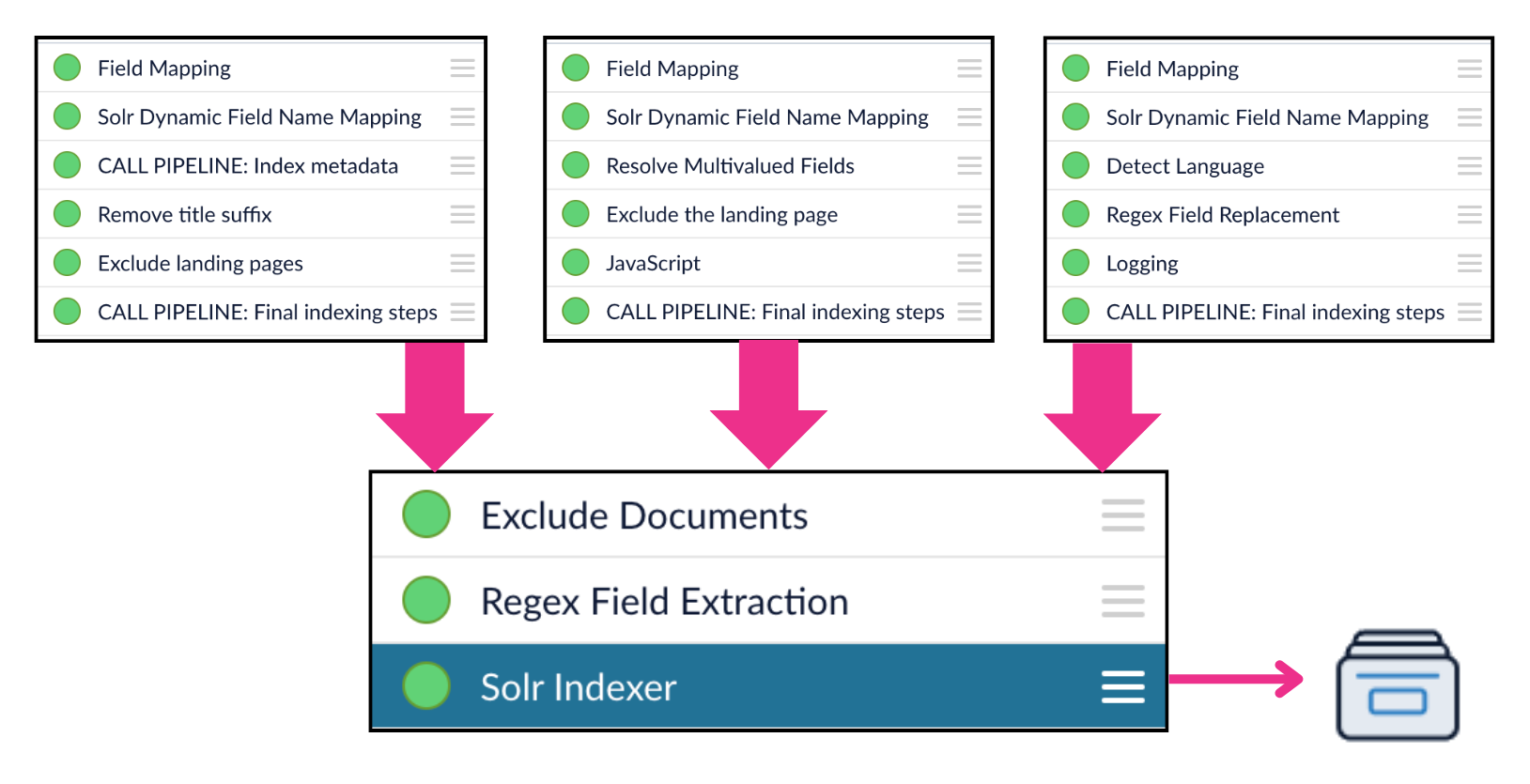
The Call Pipeline index stage calls another index pipeline. You can use this stage to reuse pipeline logic across multiple pipelines. You can also use it to index certain data separately from the rest, update a data model, or distribute indexing across multiple collections or pods. In the context of an index pipeline, the Call Pipeline stage creates a “fork” that runs another pipeline in parallel with the main pipeline. The called pipeline does not return any data to the pipeline that called it, so it should end with a stage that writes the output to a collection, a data model, or some other endpoint. Note that this is different than Call Pipeline stages in query pipelines, where the called pipeline does return its output to the pipeline that called it. In this example, the main pipeline calls a pipeline that indexes some metadata separately from the main document collection:Documentation Index
Fetch the complete documentation index at: https://doc.lucidworks.com/llms.txt
Use this file to discover all available pages before exploring further.
Using Call Pipelines
The quick learning for Using Call Pipelines focuses on how the Call Pipeline stage works differently in index pipelines versus query pipelines and how to use it in both.
Call Pipelines
The course for Call Pipelines focuses on how to implement reusable pipelines and call them from other pipelines.