

- UI Studio compositions
- UI Studio drag-and-drop
- UI Studio editor

The Compositions screen, where you create, manage, and publish your UI Studio compositions.
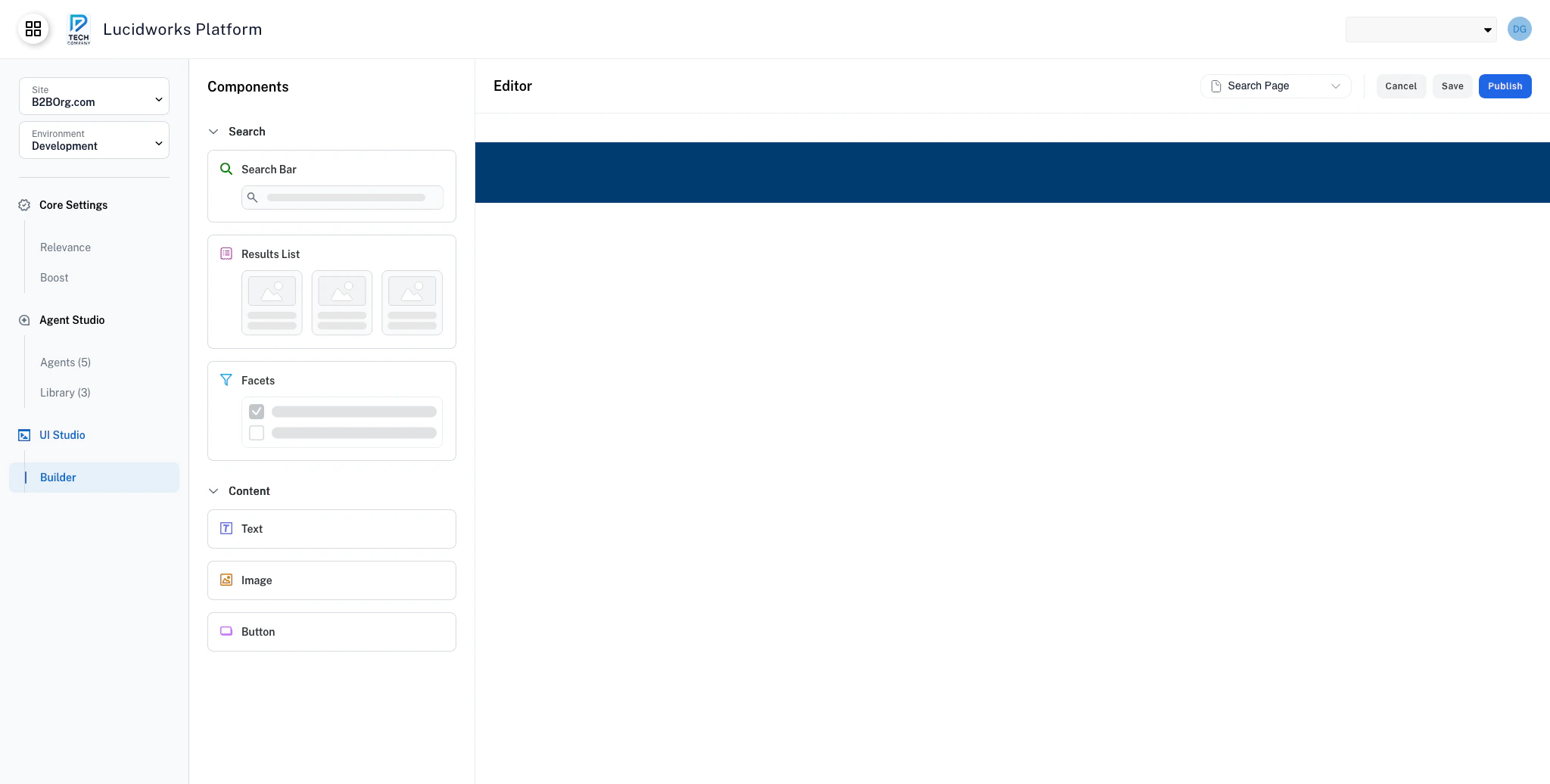
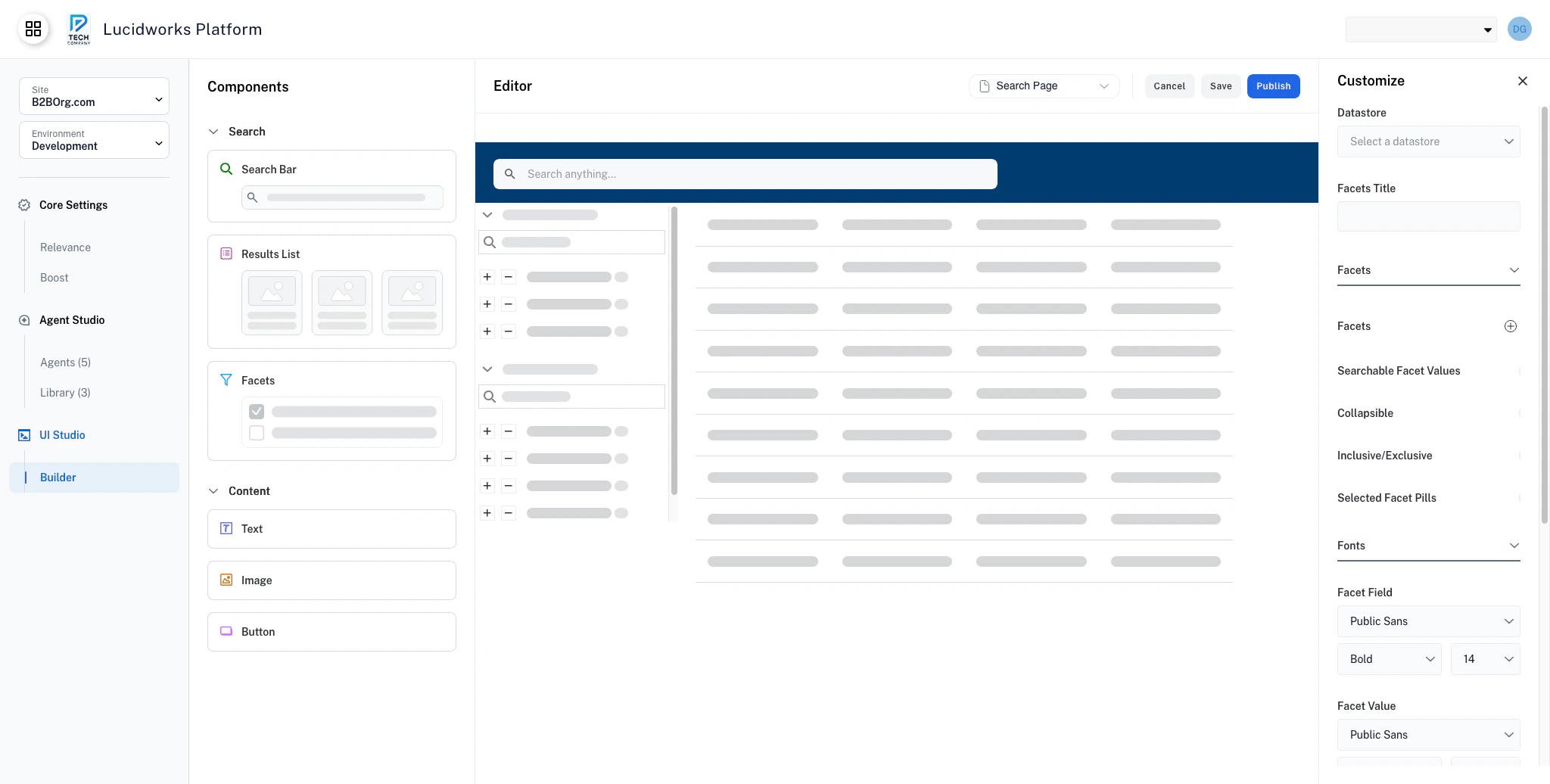
How UI Studio works
Compositions are standalone web experiences. A composition works like a self-contained website, made up of one or more pages, each with its own URL. Arrange components on each page’s canvas sections, configure them independently, and publish when ready. Components reflect your data. Components retrieve and display data from a configured datastore. Your datastore changes update automatically. Configuration is visual. Use the Customize panel to adjust component settings, styling, and behavior without editing code. Your changes are backed up automatically. UI Studio saves your composition history as you work. If you need to revert a critical change, contact your Lucidworks representative. Publishing generates a public URL. When you publish, your composition is hosted and immediately available to your users.Get started
Quickstart
Get up and running with your first UI Studio page in minutes.
UI Studio: Data Integration & Customization
Learn how to link UI Studio components to Fusion datastores for live data, then use preview mode to validate the experience.
Build your app
Compositions
Arrange and manage page layouts using composition canvas sections.
Components
Use pre-built components to build interactive search experiences.Search Bar
Accept user queries and trigger search across your datastore.
Results
Display search results views with sorting and pagination.
Facets
Let users narrow results by filtering on field values.
Button
Add navigation, export, or action buttons to your pages.
Image
Display images with optional links, borders, and fallback support.
Text
Add static or dynamic text content with rich styling options.