

- Latest version: v1.0.1
- Compatible with Fusion version: 5.9.0 and later
The Solr Pro connector indexes content from external Solr collections into Fusion. It does not support indexing content from Fusion.
What are Pro connectors?
Pro connectors are built on the same framework as V2 connectors but meet higher internal standards for stability, reliability, and production readiness. If you’re currently using other V2 connectors, the process for installing and upgrading a Pro connector remains the same.Solr Pro connector features
The following Solr components and parameters can be configured:- collection/core (also allows default/empty core)
- query (
*:*by default) - filter queries
- query parser
- request handler (defaults to
/select) - stored fields to retrieve
- sort spec (connector appends
id ascifidis not already present)
Comparison to the Solr V1 connector
The Solr Pro connector retains the functionality from the Solr V1 connector. Two new fields have been added:querytimeoutms - the individual query timeout, set in milliseconds. The default value is 30000, or 30 seconds.
useCursorMark - Enable or disable the cursor mark, which is used for pagination. This field is enabled by default. If this field is not enabled, then offset pagination is used.
The existing fields and values in the V1 connector carry over to the Pro connector. Additionally, some advanced connection settings and fetch settings that were hard-coded into the V1 connector are now exposed and configurable.

Solr Pro advanced connection settings
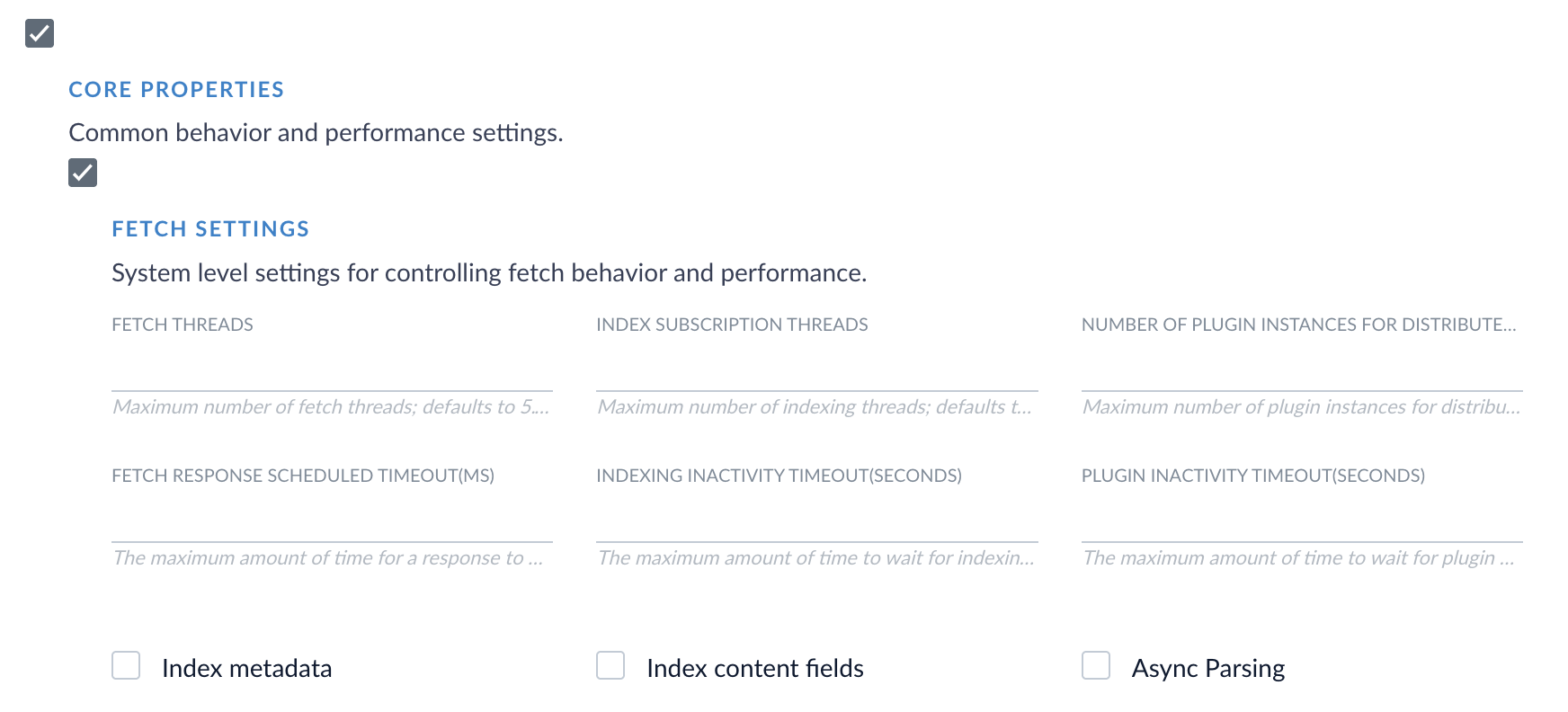
Solr Pro fetch settings
Migrate from the Solr V1 connector
We strongly encourage migrating from the Solr V1 connector to the Solr Pro connector. If you are currently using the Solr V1 connector and want to migrate your existing connector settings, consult the general migration guide and the Solr-specific migration guide in the Migration Guide series for instructions.Prerequisites
Before using the Solr Pro connector, ensure that you are using Solr 8 or later or later for your Solr environment. Your Fusion environment must be using Fusion 5.9.0 or later.Confirm Solr availability
You need to have an accessible external standalone Apache Solr or SolrCloud deployment, as Fusion must be able to reach Solr over HTTP/S. For SolrCloud, make sure the Solr Node endpoint is reachable from Fusion and not just Zookeeper. The connector uses Solr’s/select endpoint to pull documents. Ensure /select is enabled and not blocked by security rules or proxies.
The Solr instance should return standard response.docs JSON.
- For incremental crawling, enable delta indexing.
- Solr documents must include a timestamp field such as
last_modifiedwith a format of ISO-8601 or Solr-readable datetime.- Example:
"timestampField": "last_modified"
- Example:
- Solr documents must include a timestamp field such as
- To enforce document-level security, your Solr docs must include user/group fields mapped to Fusion’s access control list (ACL) fields like
_lw_acl_read.
Write valid queries
You must have a valid Solr query to extract data. When writing queries or filter query, the prefixes ofq and fq are already appended.
- For queries, use
*:*to fetch all documents. - You can use filters such as
type:product. - Test your query in the Solr Admin UI before using it in your datasource settings.
- Unique ID field such as
id - Optional timestamp field for incremental crawl
- Any custom metadata fields
Authentication
Currently, the Solr Pro connector supports connections to unencrypted, public Solr endpoints, so no authentication is needed.Troubleshooting
This section outlines some common troubleshooting topics.Query timeout exceeded
If you consistently see the “Query timeout exceeded” error in the Solr connector, your query timeout is likely too low. Increase the Query Timeout value or reduce the Batch Size so the connector can process a batch in a timely manner.Cursor mark not supported
If the Solr connector returns the “Cursor mark not supported” error, you are using a Solr environment earlier than Solr 4.7. Cursor mark pagination is not supported in Solr versions earlier than Solr 4.7. Set Use cursor mark to false, and the Solr connector will use offset pagination.The Solr Pro connector has been tested on Solr 8 and 9, which support cursor mark pagination.