

More information about support dates can be found at Lucidworks Fusion Product Lifecycle.
New Features
Fusion Connectors
-
Fusion 5.6.1 adds a new connector, the Web V2 Connector. This brings our Web connector from the classic framework to our V2 framework.
The Web V2 connector retrieves data from a Web site using HTTP and starting from a specified URL. - As part of our transition from Pulsar to Kafka, 5.6.1 returns the ability to Remotely Launch a Plugin.
Remotely Launch a Plugin
Remotely Launch a Plugin
Follow this configuration to use a remote connector in Fusion.
A known issue is after idling for five minutes without any new connector start requests, the remote connector stops responding to server requests and must restart. This causes connector start requests to hang. A workaround is to schedule a connector to run every three minutes. It is recommended to use a connector instance that doesn’t fetch any documents to keep the remote connector functional without frequent restarts.
- Execute the following command.
- Check that the
YAML_CONFIG_FILEhas the following format. - Use this table for descriptions of the YAML properties.
Example
YAML_CONFIG_FILE:Bug Fixes
Fusion
- The blocked rule form now validates the “Parameter Name” when closing the modal. This fixes an error where blocked parameters in the Query Workbench could not be deleted via the UI.
- User with read-only access no longer see the Quickstart splash page, as they are unable to use it to create applications or other Fusion objects.
Quickstart
Quickstart
The Quickstart is a wizard that lets you explore some of Fusion’s core capabilities: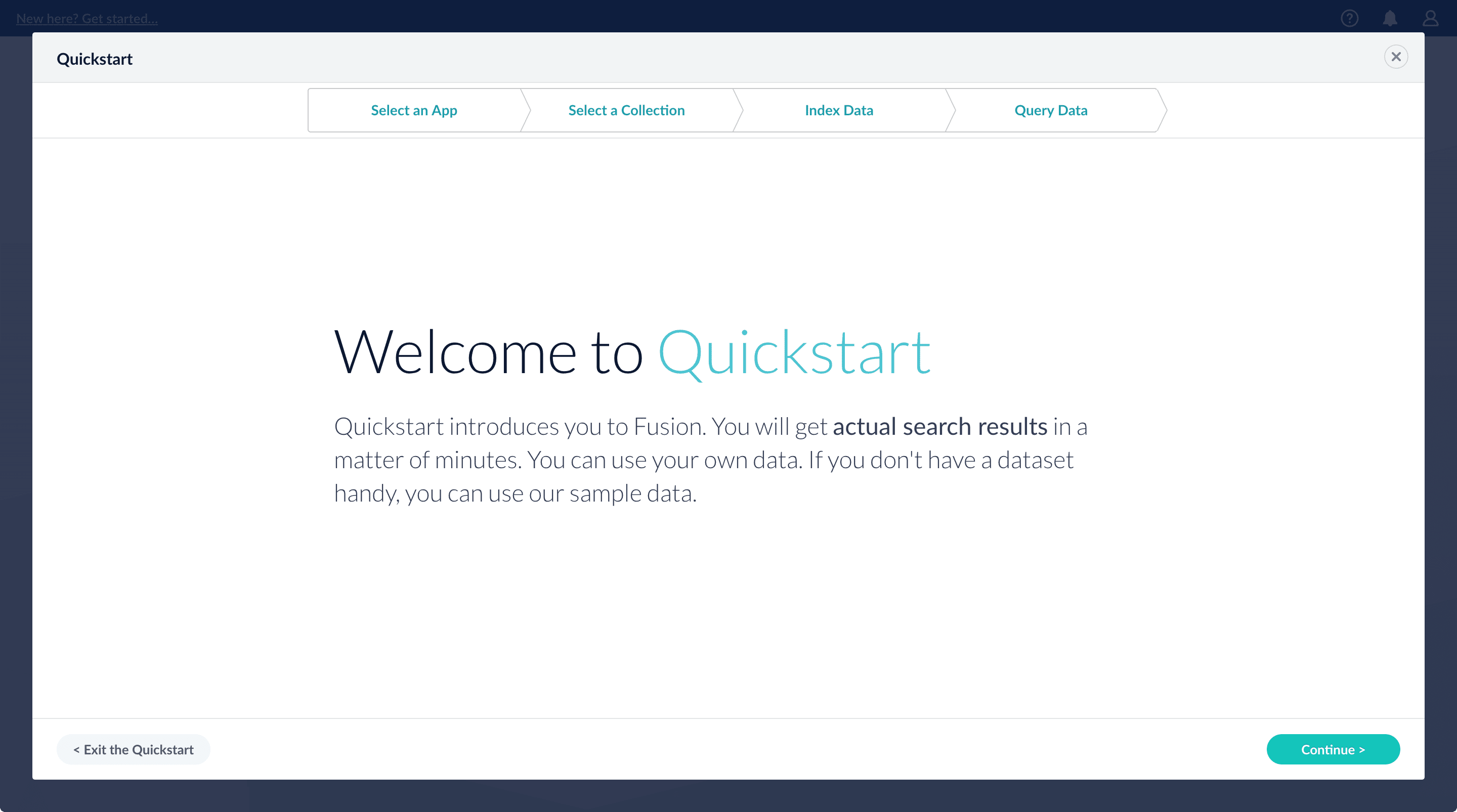
- Creating or selecting an app
- Selecting a collection (where data is stored)
- Indexing data
- Searching
Using The Quickstart Wizard
The course for Using The Quickstart Wizard focuses on using the wizard to practice using the key functions of Fusion.
Step through the Quickstart wizard
If it is not already open, open the Quickstart wizard. In the Fusion launcher, click New here? Get started….-
Click Continue.
On the Select an App screen, you can select or create an app for your quickstart data.
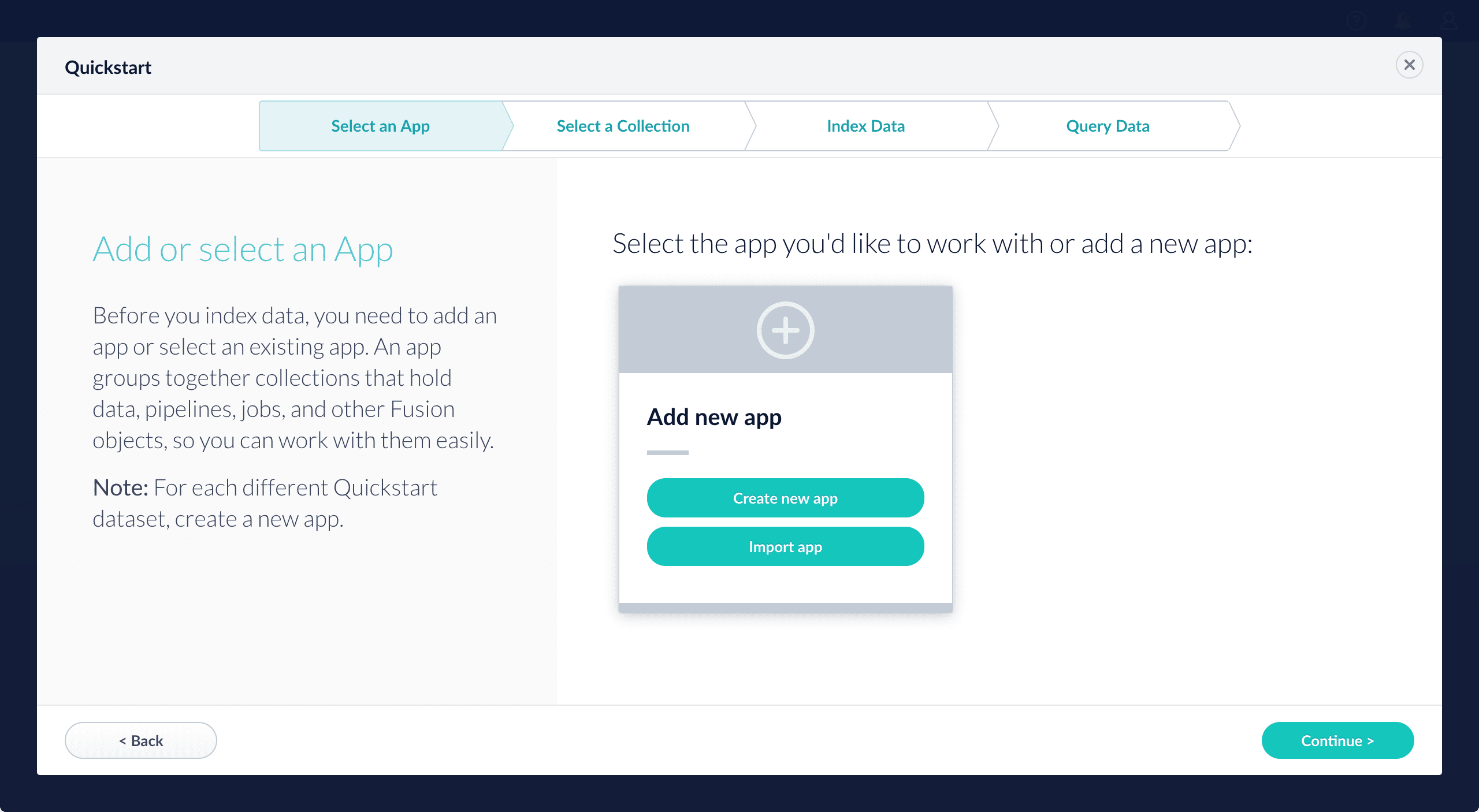
-
After selecting an app, click Continue.
On the Select a Collection screen, you can select or create a collection for your quickstart data. A collection with the same name as your app is created automatically:
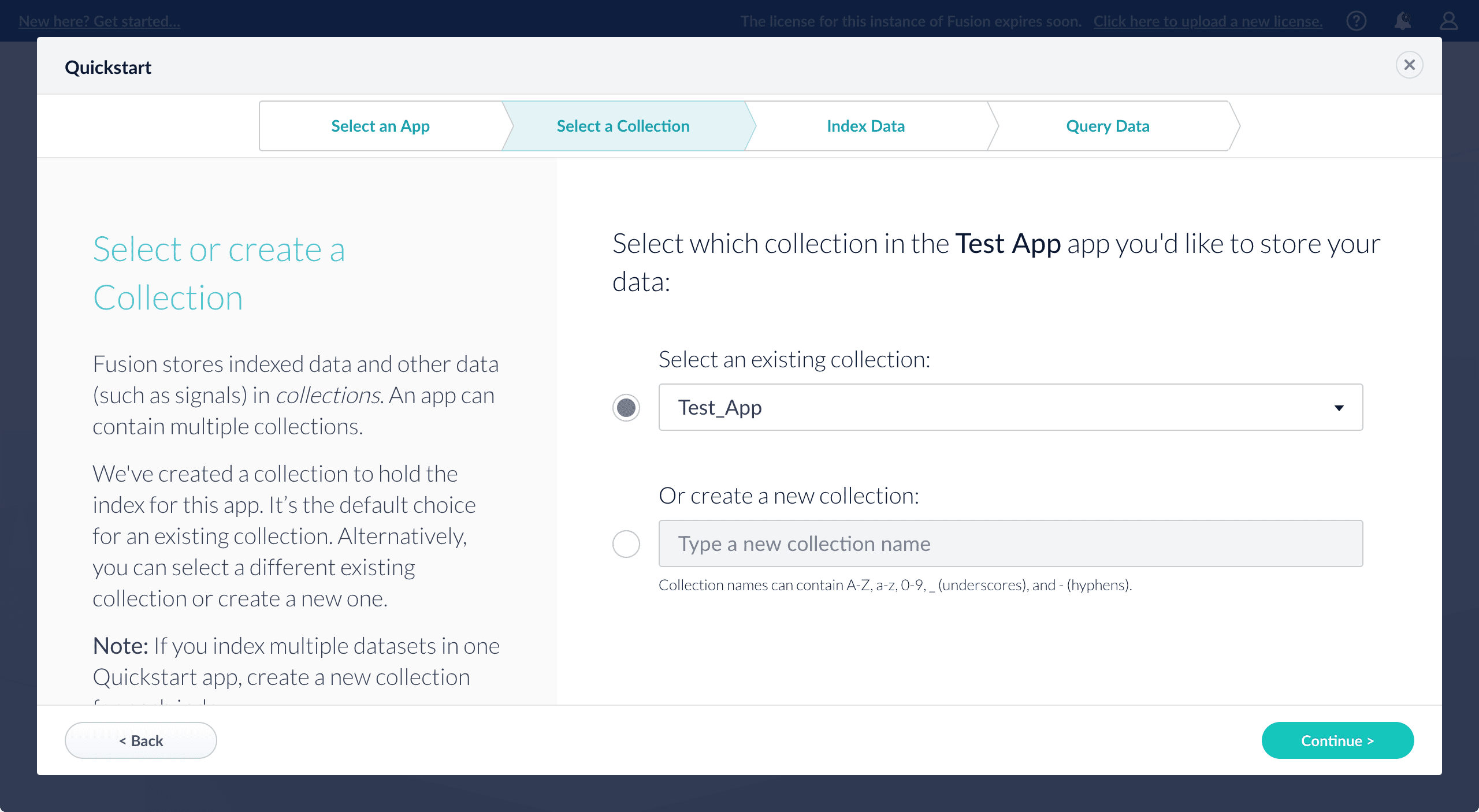
-
Click Continue.
On the Index Data screen, you can either select one of the built-in sample datasets or click Use my data to upload your own: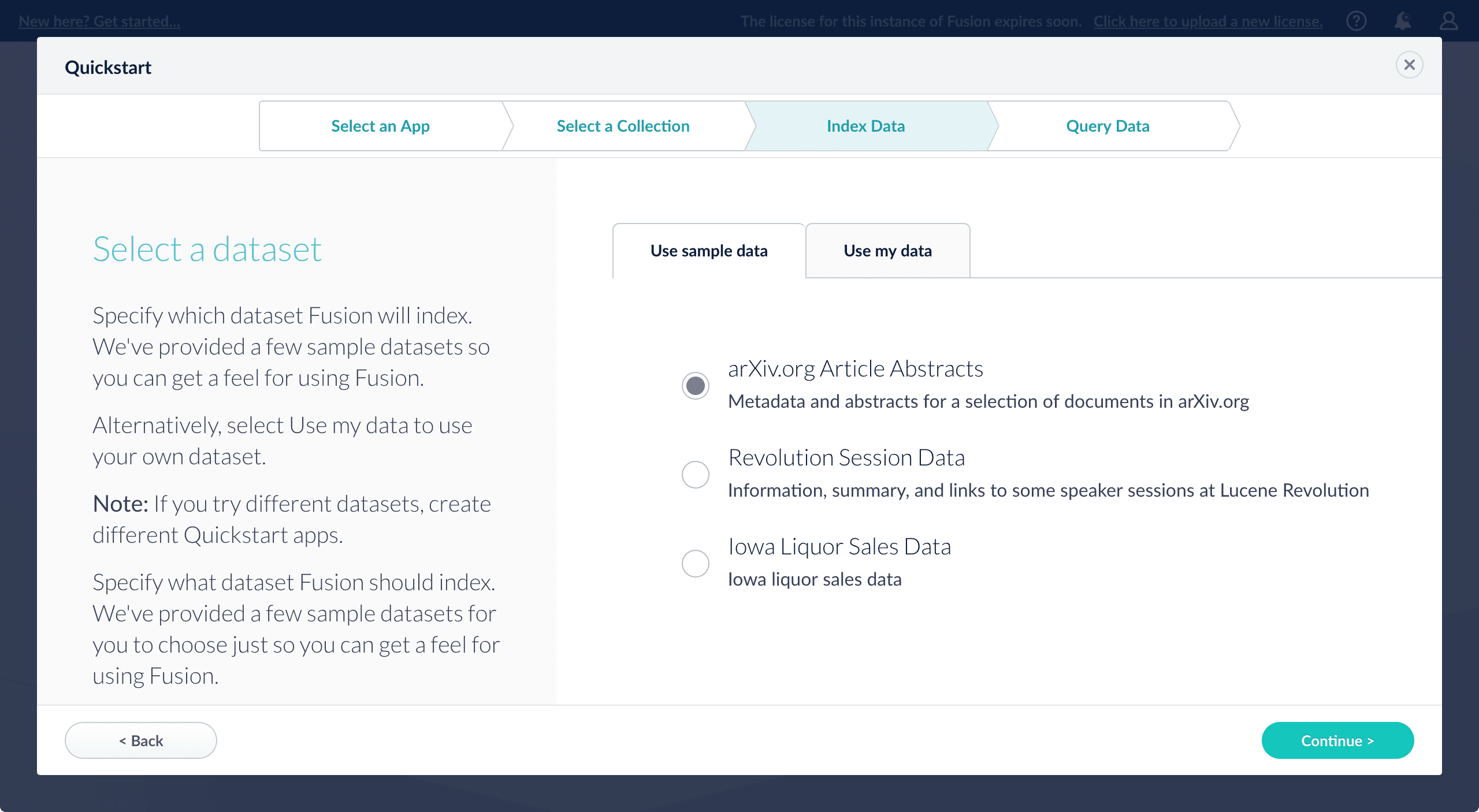
-
Click Continue.
On the Query Data screen, you can see all search results and enter your own search queries to test the indexed dataset. You can also select the display fields or view the parsed documents: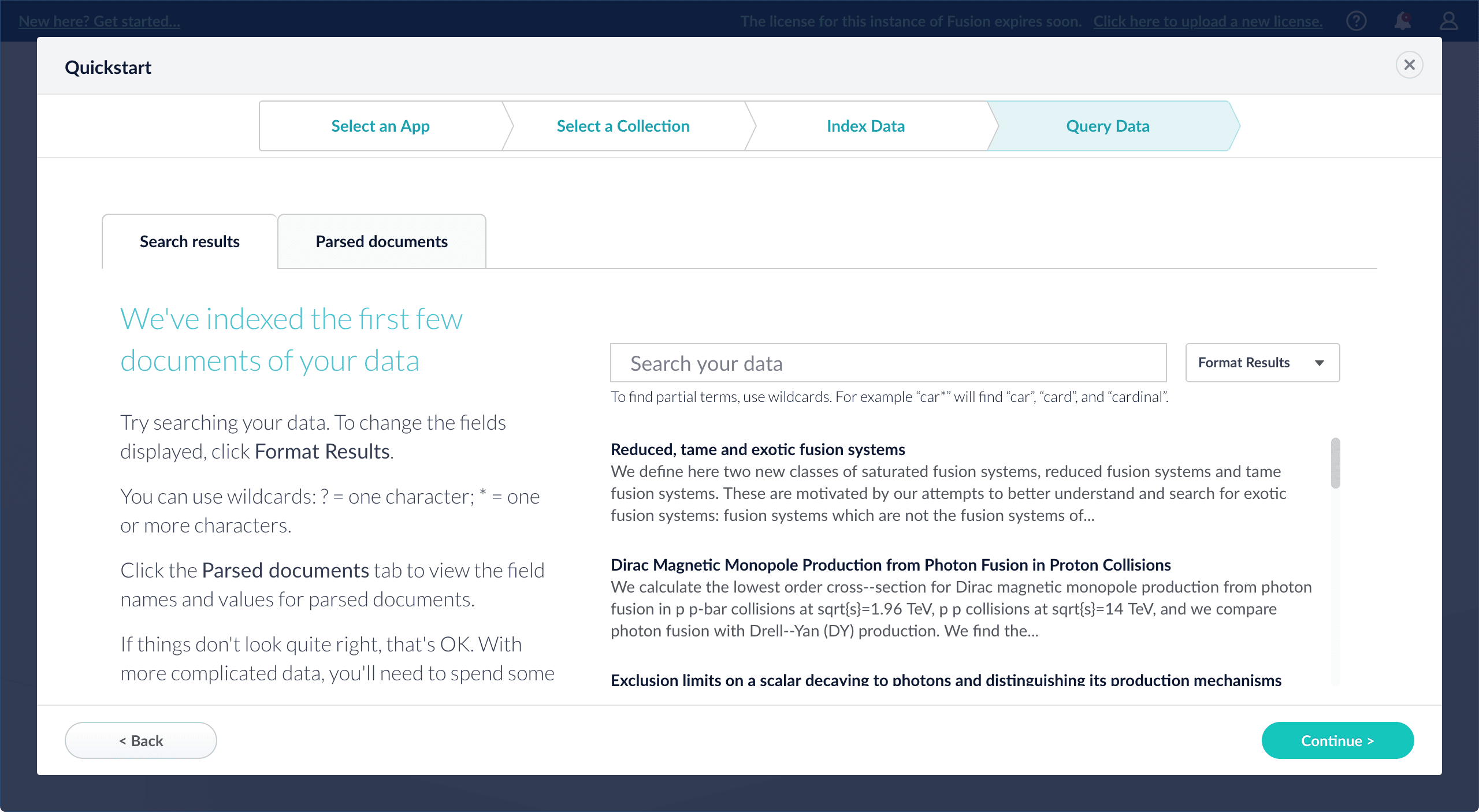
-
Click Continue.
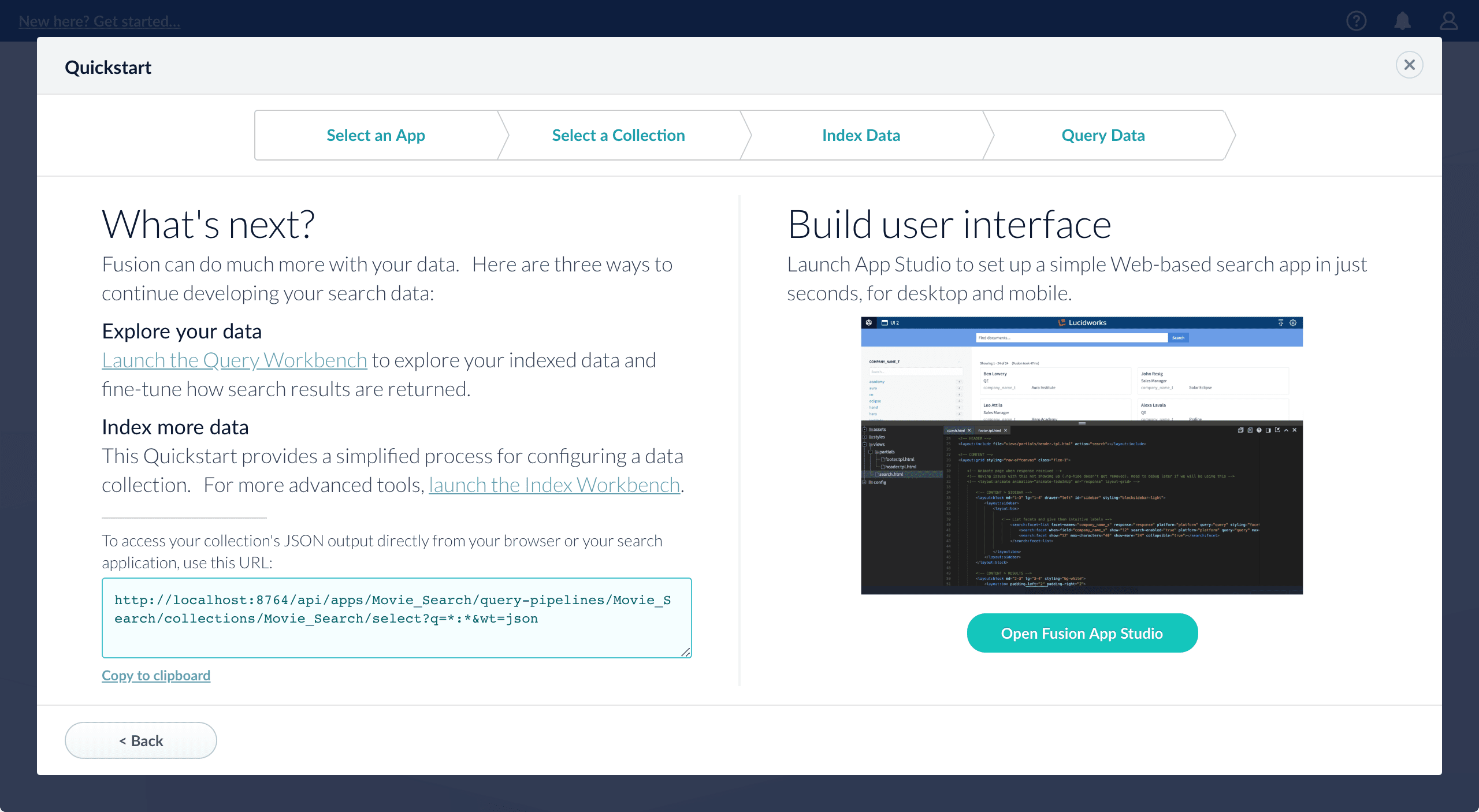
- Open the Index Workbench to change the index pipeline.
- Fusion 4.x Index Workbench
- Fusion 5.x Index Workbench
- Open the Query Workbench to change the query pipeline.
- Fusion 4.x Query Workbench
- Fusion 5.x Query Workbench The workbenches are essentials tools in the Fusion workflow.
-
Open App Studio to create a user interface for searching this collection.
App Studio is only available in Fusion 4.1 and 4.2.
Fusion Connectors
- The AWS S3 V2 Connector connector is now able to crawl non-public buckets when the object key is not specified in the configuration.
Predictive Merchandiser
- Rules page now displays correctly for users with only the developer role.
Removals
Fusion SQL was removed as of Fusion 5.6.1. It is available for Fusion releases 5.5 and earlier.Known issues
- New Kerberos security realms cannot be configured successfully in this version of Fusion.
-
A bug was discovered in the Spark 3.2.x component that prevents signal aggregation for signals stored in the cloud in Parquet format. For more information about the issue, see the Spark bug report.
This issue is fixed in Fusion 5.7.1.
-
The link to the Banana dashboards in the Fusion UI does not work. You can access Banana dashboards using a direct link at
https://FUSION_HOST:FUSION_PORT/admin/banana/index.html#/dashboard/.This issue is fixed in Fusion 5.7.0.