<p style="text-align:right;" class="tk-stl-bg-tertiary tk-stl-text-tertiary-contrast" padding-right="2">
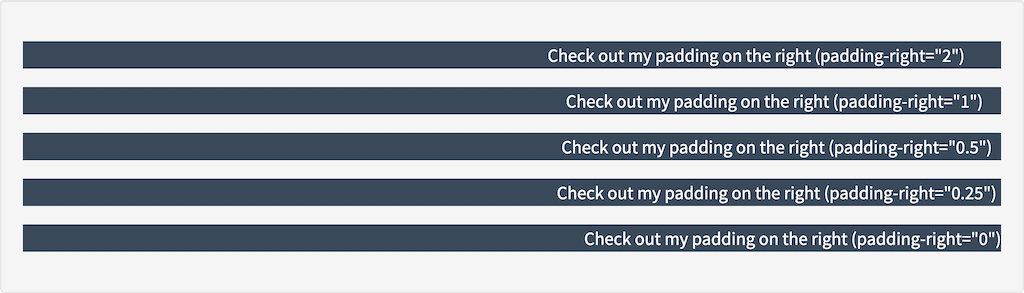
    Check out my padding on the right (padding-right="2")
</p>
<p style="text-align:right;" class="tk-stl-bg-tertiary tk-stl-text-tertiary-contrast" padding-right="1">
    Check out my padding on the right (padding-right="1")
</p>
<p style="text-align:right;" class="tk-stl-bg-tertiary tk-stl-text-tertiary-contrast" padding-right="0.5">
    Check out my padding on the right (padding-right="0.5")
</p>
<p style="text-align:right;" class="tk-stl-bg-tertiary tk-stl-text-tertiary-contrast" padding-right="0.25">
    Check out my padding on the right (padding-right="0.25")
</p>
<p style="text-align:right;" class="tk-stl-bg-tertiary tk-stl-text-tertiary-contrast" padding-right="0">
    Check out my padding on the right (padding-right="0")
</p>