

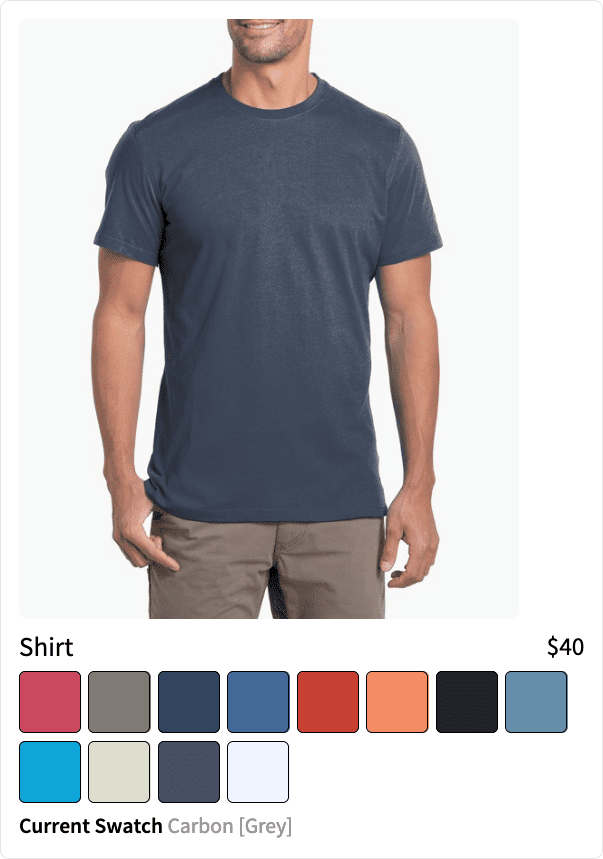
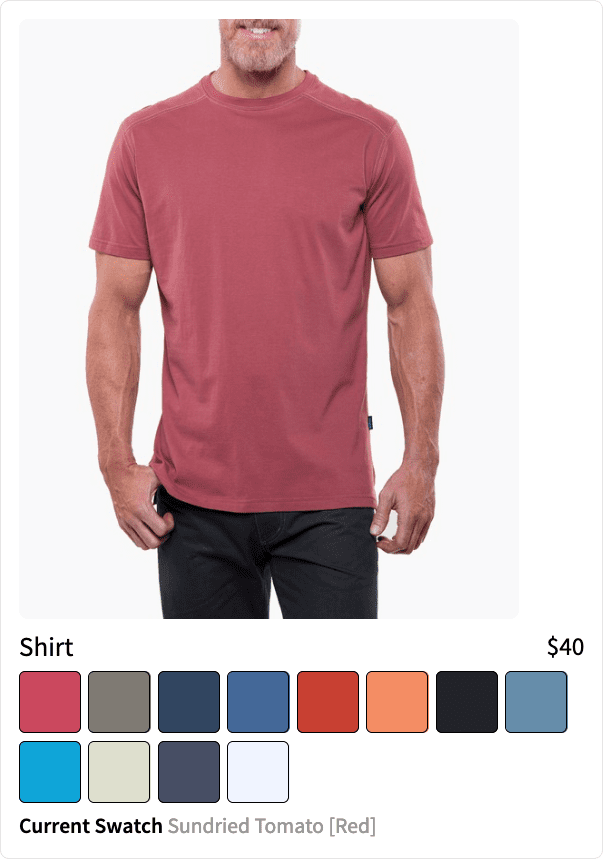
Predictive Merchandiser makes it easy to group products together so they can be presented to the user. This can be useful when you want to show a product in all of its color variants or the various versions of a product (basic or advanced, for example).Documentation Index
Fetch the complete documentation index at: https://doc.lucidworks.com/llms.txt
Use this file to discover all available pages before exploring further.
Best practices
These parameters group products, and are defined in the Additional Query Parameters Stage:| Parameter Name | Parameter Value | Update Policy |
|---|---|---|
| group | true | default |
| group.format | grouped | default |
| group.ngroups | true | default |
| group.field | style_id_s | default NOTE: You must configure groupField=<field> if you use App Studio to create your search application. |
- Add a Query Pipeline Stage
- Additional Query Parameters Stage
Add a Query Pipeline Stage
Add a Query Pipeline Stage
In the Query Workbench, click Add a Stage to add query pipeline stages that can perform query setup, results relevancy, troubleshooting, and more.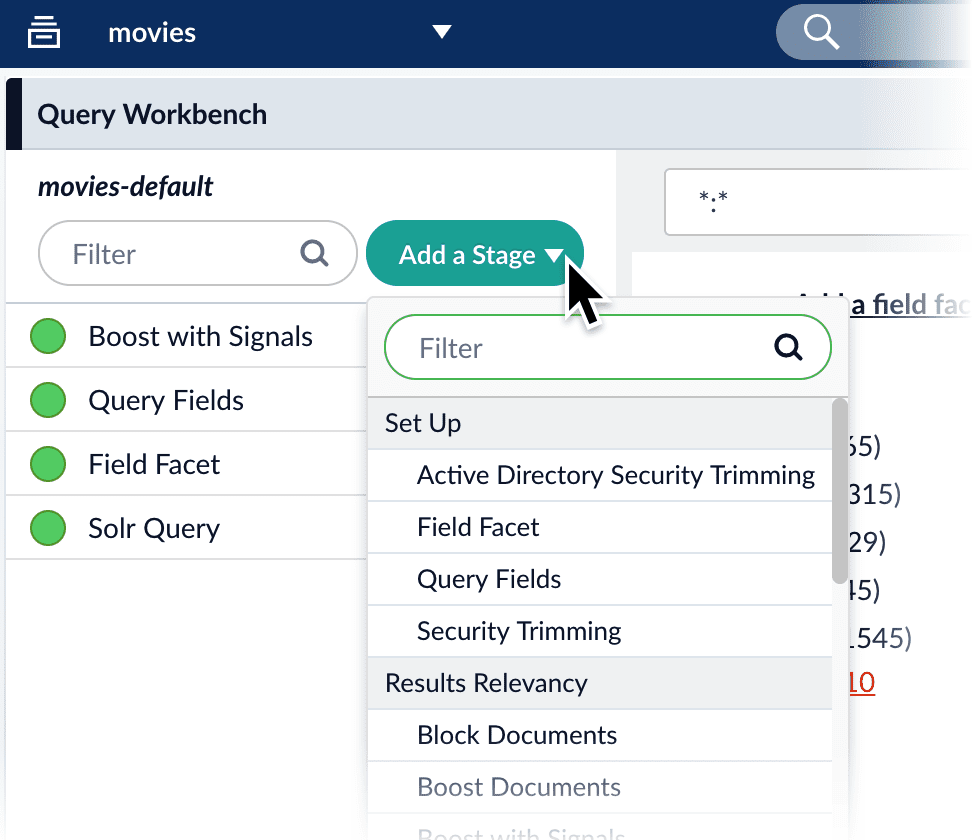
Collapse/Expand parser grouping
The Collapse/Expand parser allows grouping with the following parameters:| Parameter Name | Parameter Value |
|---|---|
| expand | true |
| enableElevation | true |
| group | false |
See Collapse and Expand Results for more information.