Documentation IndexFetch the complete documentation index at: /llms.txtUse this file to discover all available pages before exploring further.
Fetch the complete documentation index at: /llms.txt
Use this file to discover all available pages before exploring further.
<button styling="button">Follow</button>
<button styling="button">Okay</button>
<button styling="button button-secondary">Cancel</button>
<button styling="button">
  <widget:icon icon="heart"></widget:icon>
</button>
<button styling="disabled button">
    <i class="icon icon-head"></i>
    Disabled
</button>
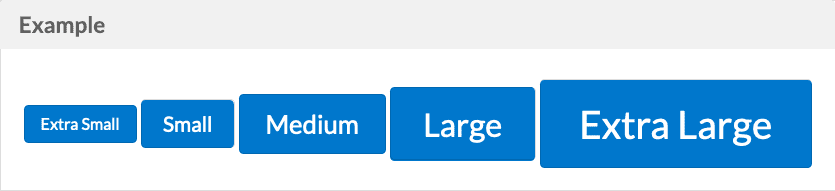
<button styling="xs button">Extra Small</button>
<button styling="sm button">Small</button>
<button styling="md button">Medium</button>
<button styling="lg button">Large</button>
<button styling="xl button">Extra Large</button>
<button styling="button pull-right">Right Floated</button>
<button styling="button pull-left">Left Floated</button>
Was this page helpful?