> ## Documentation Index
> Fetch the complete documentation index at: https://doc.lucidworks.com/llms.txt
> Use this file to discover all available pages before exploring further.
# Events
export const InlineImage = ({src, alt = '', height = '2em'}) => {
return  ;
};
[localhost link]: http://localhost:3000/docs/lucidworks-search/06-metrics-and-analytics/app-insights/events
[mintlify link]: https://doc.lucidworks.com/docs/lucidworks-search/06-metrics-and-analytics/app-insights/events
[old doc.lw link]: https://doc.lucidworks.com/managed-fusion/5.9/1mxz1e
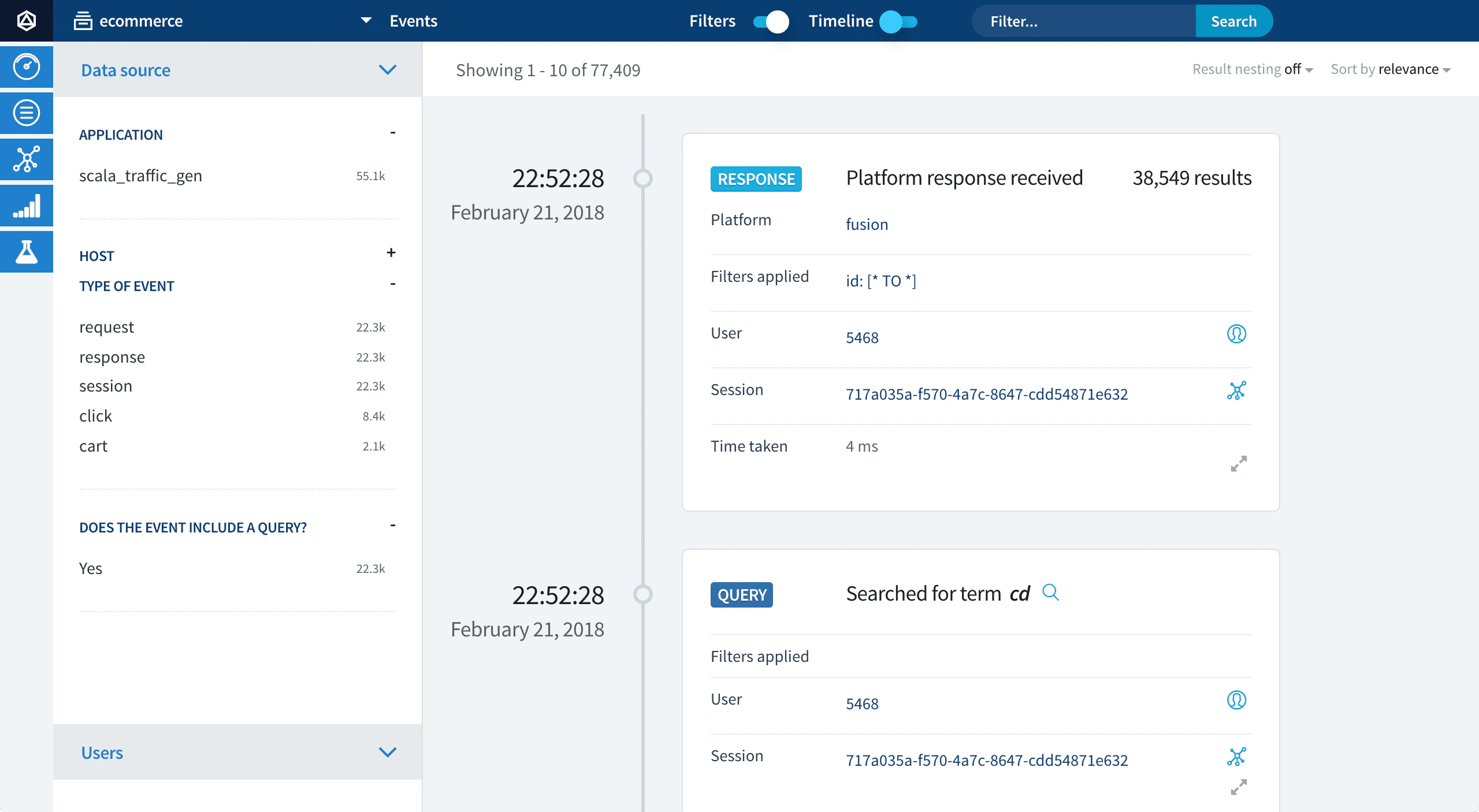
Click **Events** to view histograms and timelines about events, filtered by:
import { LwTemplate } from '/snippets/LwTemplate.jsx';
* event type
* users
* request/response information
;
};
[localhost link]: http://localhost:3000/docs/lucidworks-search/06-metrics-and-analytics/app-insights/events
[mintlify link]: https://doc.lucidworks.com/docs/lucidworks-search/06-metrics-and-analytics/app-insights/events
[old doc.lw link]: https://doc.lucidworks.com/managed-fusion/5.9/1mxz1e
Click **Events** to view histograms and timelines about events, filtered by:
import { LwTemplate } from '/snippets/LwTemplate.jsx';
* event type
* users
* request/response information